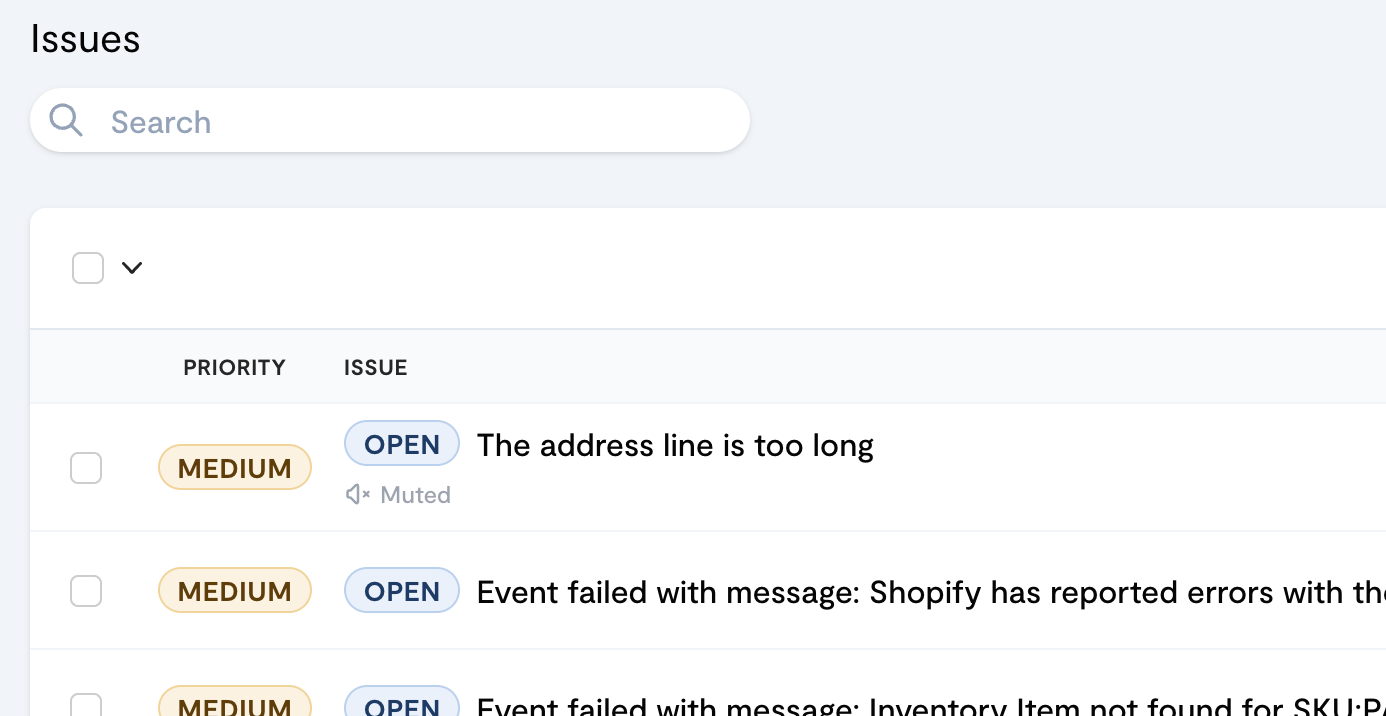
HighCohesion MCP Server is now live
21 Aug 2026 · HighCohesion MCP · v1.1.1
Ask Claude about your integrations
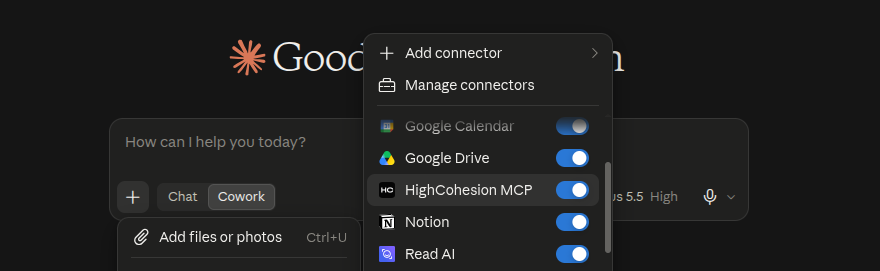
You can now connect Claude to your HighCohesion account and ask about your integrations in plain English - which stream carries what, why an event failed, what a lookup table holds - without opening the Control Panel. It uses your existing Control Panel login, and is read-only and scoped to your own organisation's data.
Set up your own dashboards
You can now turn the HighCohesion MCP Server into a live monitoring dashboard. Paste one prompt into Claude and it builds a page you can reopen and share. The page shows stream health, failures over the last 7 days, the open issues to look at first, and what has changed or been closed recently.
The dashboard reads your data through your own Control Panel login, and it's read-only like the MCP Server itself. You can tailor it to focus on certain streams, change the time windows or failure threshold, use your brand colours, or make separate views for finance or warehouse teams.
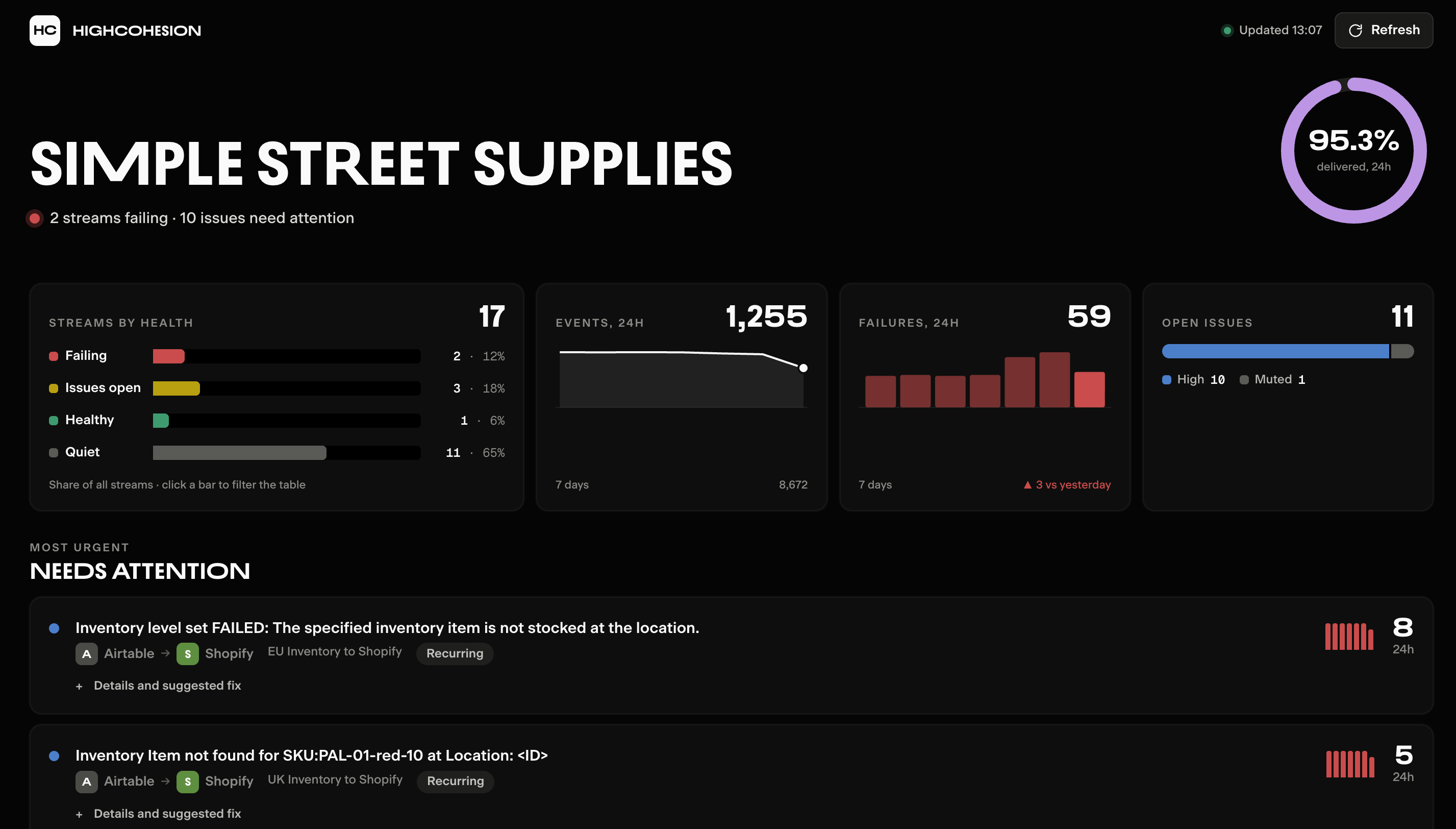
Get the prompt and setup steps: Create your own HighCohesion integrations dashboard in Claude
Other LLMs
HighCohesion will work with OpenAI’s ChatGPT, Google’s Gemini or any other LLM that supports MCP. With Claude being the most common in use across our customer and partner base, it’s what we’ve focused on first.
Related guides: Connect Claude to HighCohesion MCP Server · How the HighCohesion MCP Server works · Create your own integrations dashboard in Claude